
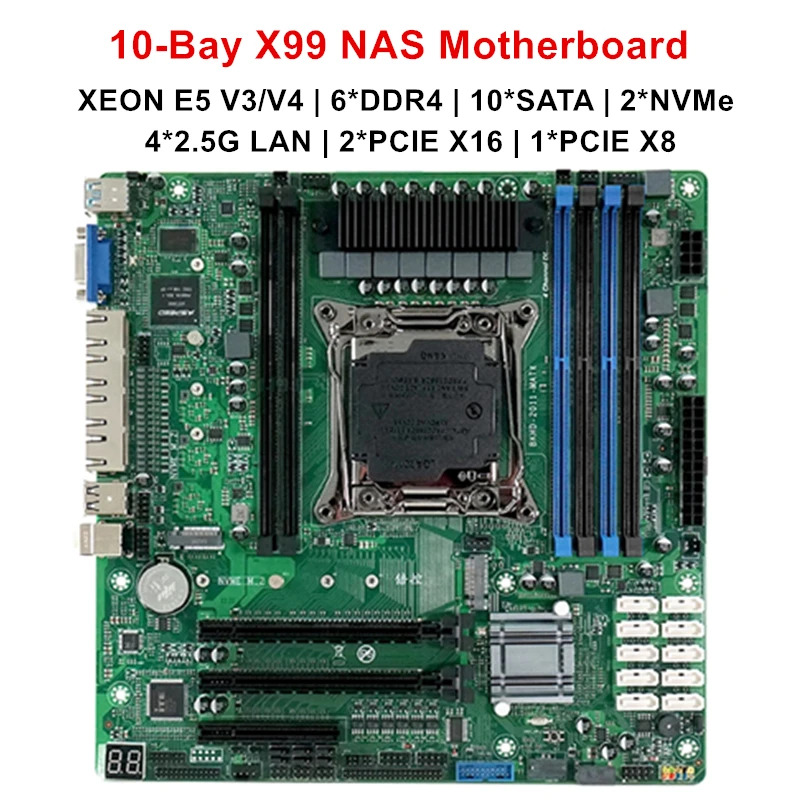
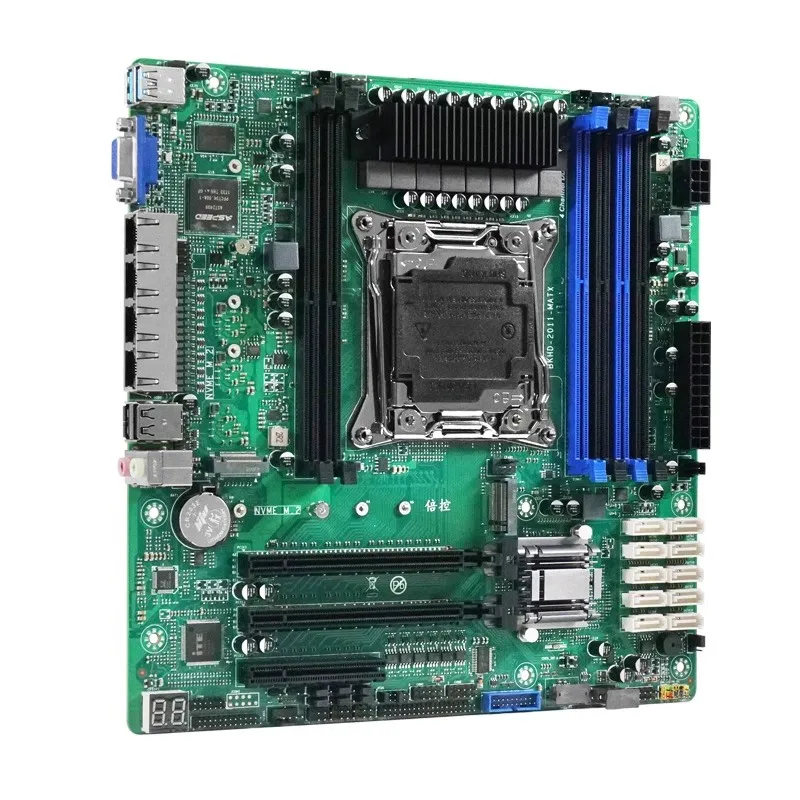
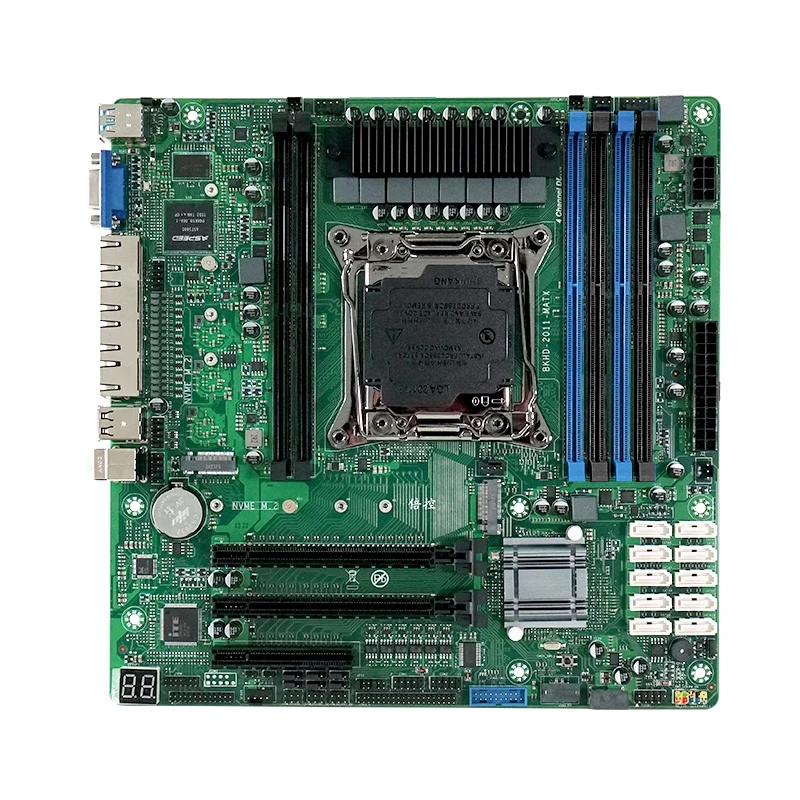
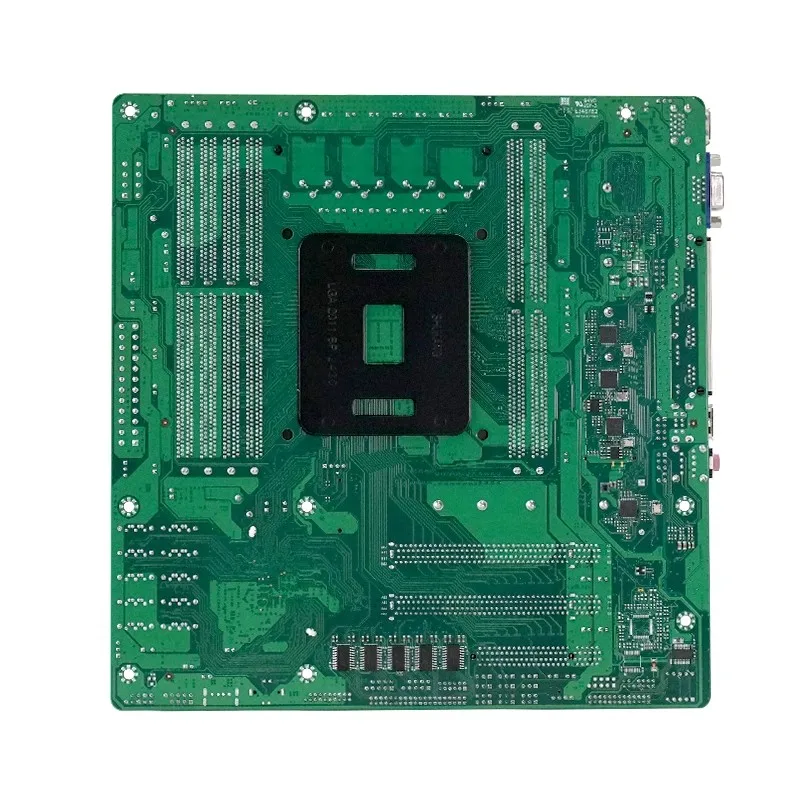
Topton 10-Bay X99 NAS Motherboard XEON E5 V4 C612 6*DDR4 10*SATA 2*NVMe 4*2.5G LAN 3*PCIE Split Firewall Server M-ATX Mainboard
价格范围:$170.81 至 $275.66
描述
- Battery Included: no
- High-concerned chemical: None
- Model Number: N27
- Type: Embedded Industrial Motherboard
- Brand Name: Topton
- Origin: Mainland China
Enable SR-IOV Support on the mainboard Virtualization Settings: Go to Advanced select PCI Subsystem Settings select SR-IOV Suppor select Enadled to open it (press f10 to save the Settings)
Enable virtualized VT-D Settings: Go to IntelRCSentup and select II0 Configurtion, select Intel VT for Directed I/0(VT-D) and select VTd Azalaea CVP 0ptimizations Select Enable to open (press f10 to save the Settings).
PCIE slot split setting, Enter IntelRCSentup to select II0 Configurtion to select IIO0 Configurtion to select I0U1 (II0 PCIE Port3) (this is the first PCIE X16 slot channel is X16) to set four modes X8X8, X8X4X4, X4X4X8, X4x4x4 (Split function needs to be selected according to their own expansion accessories to split Settings) Select I0U0 (II0 PCIE Port2) (this is to set the second PCIEx16 slot channel X8 and the third PCIEx8 slot channel X8) The second and third pcie slots can only set one mode X4X4X4X4 splitting function needs to be selected according to their own expansion accessories), the second and third slots set x4x4x4x4 will default each slot can split 2 x4 channel signals out (remember to press f10 to save the Settings)
CPU Turbo frequency function on and off Settings: Enter IntelRCSentup to select Advanced Power Managemnt Conf iguration to select CPU P State Control to select Turbo Mode (if Enable is enabled, Disable) This function can be used on demand (press f10 to save the Settings).
Sata hot swap Settings on the mainboard (About the bios sata port Description The first PCH sSATAConfiguration option is to configure ports 7-10 SATA. The second PCH SATA Configuration option is to set the 1-6 sata ports: Enter IntelRCSentup. Select PCH configuration. Select PCH sSATA Configuration (7-10 sata ports) and PCH SATA Configuration (1-6sata ports) to find all SATA ports If the Hot Plug option of the port is Enabled, the hot plug function is enabled (press f10 to save the Settings).
Press delete or esc repeatedly when the mainboard enters the bios and starts
To enter the USB flash drive, press f11 repeatedly
Enable IPV4 and IPV6 Settings: Go to Advanced, select Network Stack Configurtion, select Nework Stack, select Enabled, and select Ipv4 PXE Support and Ipv6 PXE Support Enable is Enabled (press f10 to save the Settings).
Bios network wake up enable Settings: Enter Advanced, select ACPI Settings, select Lock Legacy Resources, select Enadled to open (remember to press f10 to save the Settings).
Cooling fan speed Settings: Enter Advanced select Hardware Monitor select Cpu SmartFan control (this is to set the cpu fan speed), If you need to adjust the chassis fans, select SYS Smart fan Control. (Chassis fan options have several needs to be adjusted. Select PWM Manually Mode for these speed control options, and then input the value of the speed that you need to adjust. The default speed value is 128, the highest is 255, the lowest is 0, according to the use of the value of the speed can be adjusted (remember to press f10 to save).
The mainboard enables the setting of Intel independent graphics card (before enabling the setting, the Intel graphics card needs to be inserted into the pciex16 slot on the mainboard first, and then connected to the VGA interface to enable the setting).
Enter Advanced and select PCI Subsystem Settings. First, select Above 4G Decoding and select Enadled to open, and then select Enadled to open when opening Re-size BAR Support. After these two are turned on, go back to the Advanced option and select CSM Configurtion, select CMS Support and select Disabled to turn off (remember to press f10 to save the Settings) and directly use the Intel independent graphics card
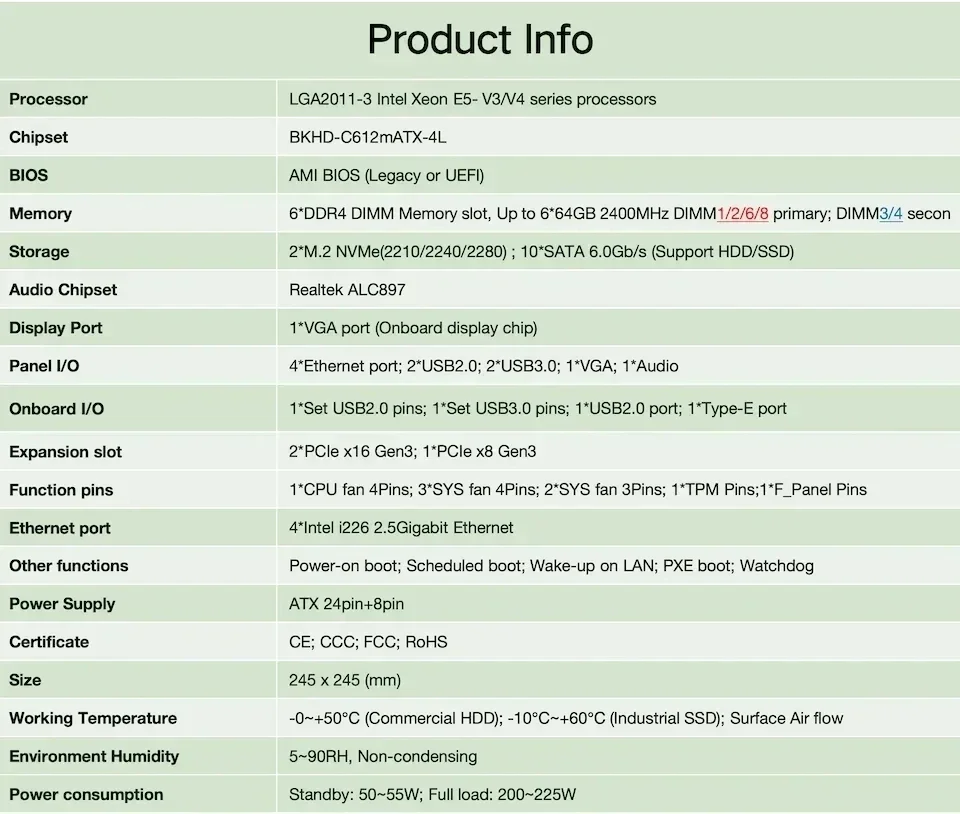
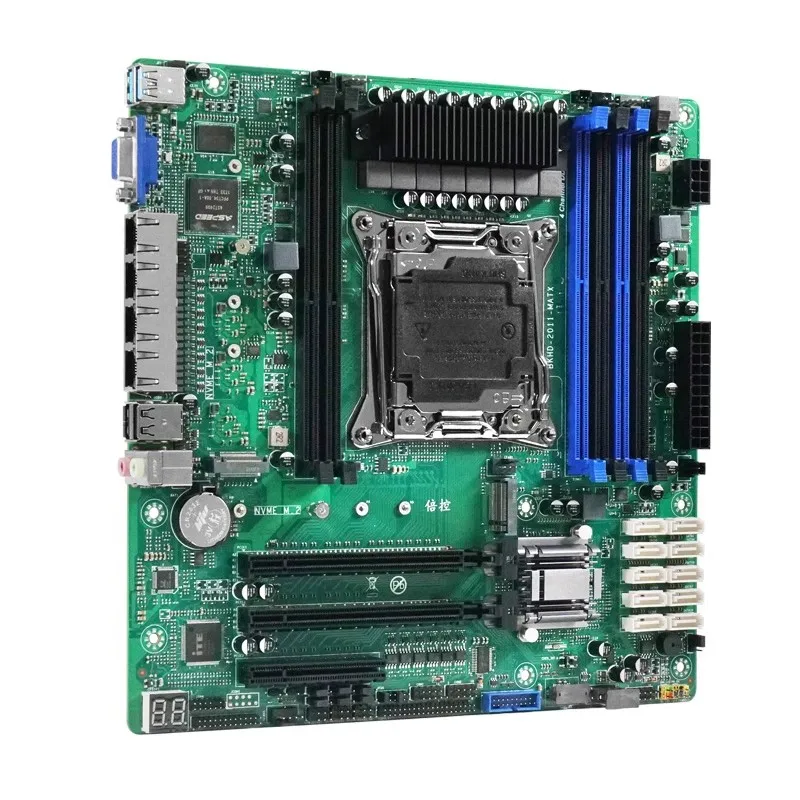
The main features of the MATX-CS612 mainboard are as follows: Supports LGA2011 XEON cpus. Supports a four-channel 2133 MHZ DDR4 ECC, and 2400MHz ERCC memory with a maximum of 192GB and a single slot with a maximum of 32 GB The display supports VGA supports Four 2.5Gbps networks; Supports two M.2 interfaces (NVME only) supports nine USB ports and one TYPE-E port Supports two PCIE X16 slots and one PCIE X8 slot Supports 10 SATA 3.0 ports Built-in one RS232 serial port Support -10~60 degrees wide temperature work; built-in clear CMOS button, troubleshooting and solving problems faster;
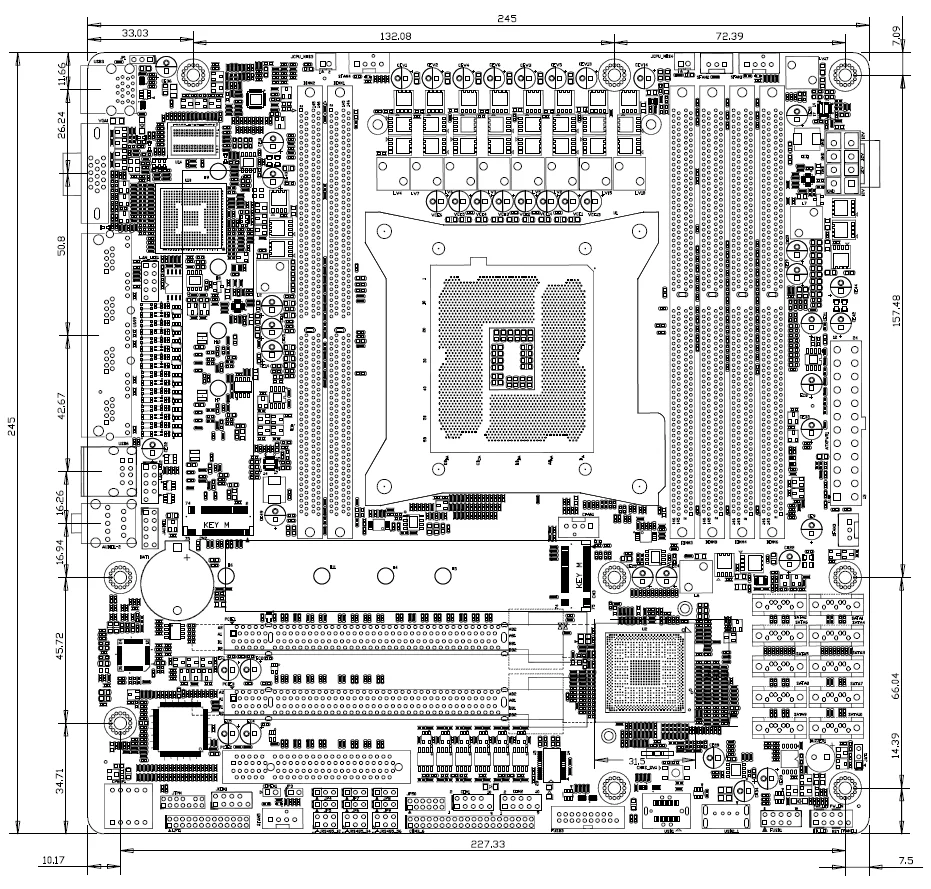
Motherboard size: 244mm * 244mm
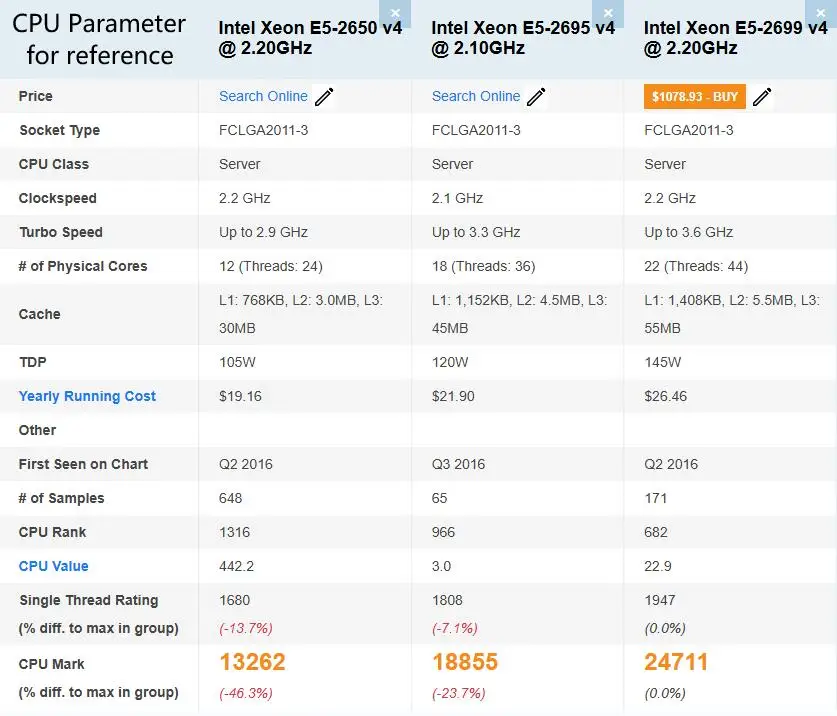
CPU: Supports LGA2011 XEON series CPU
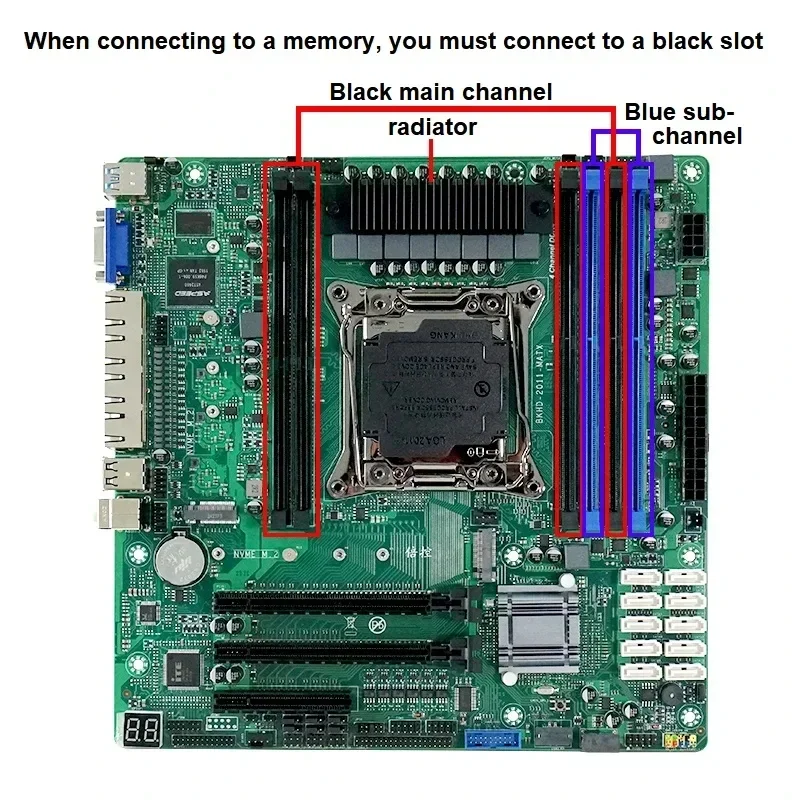
Memory: 6x288Pin DDR4 DIMM slots Each memory supports a maximum of 32GB
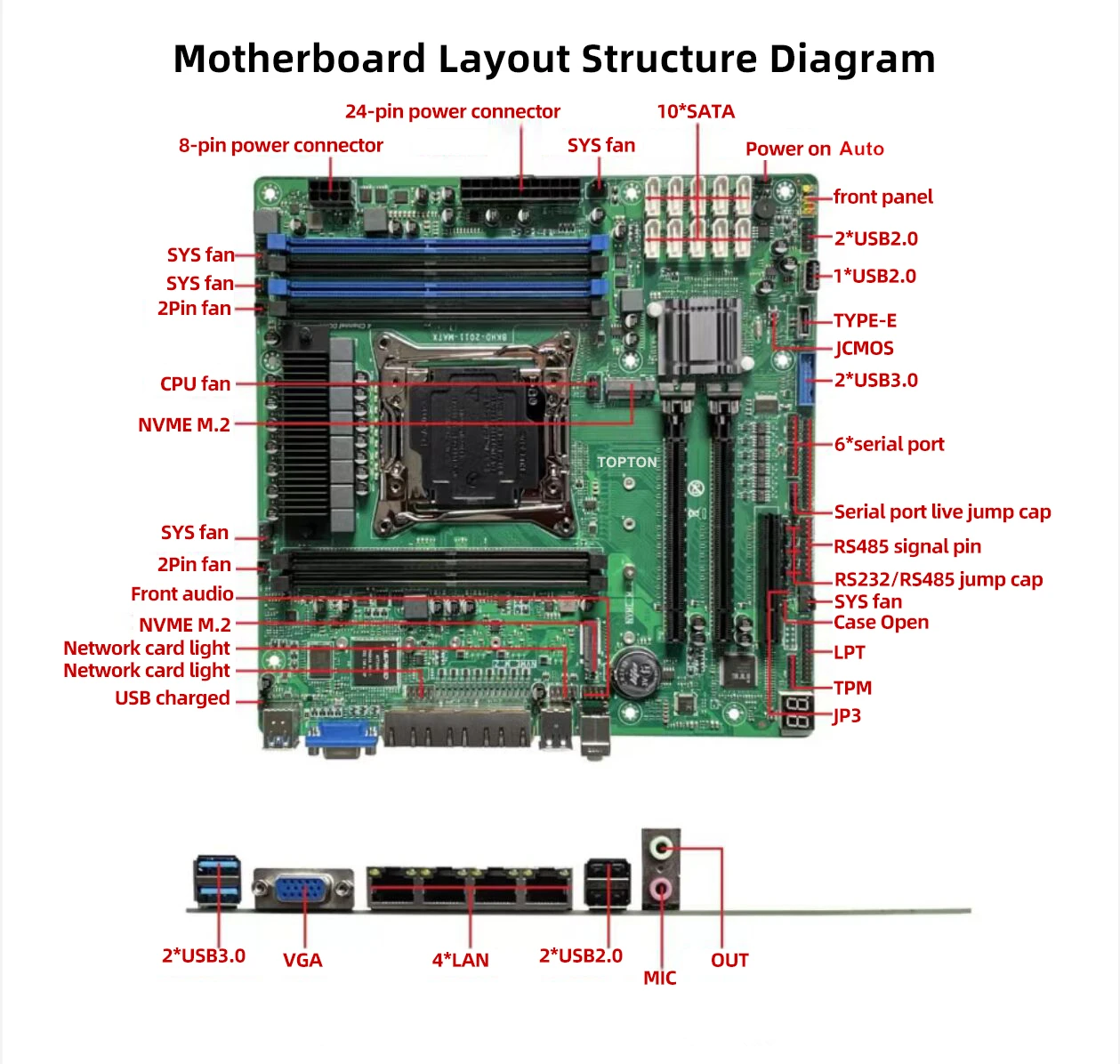
Expansion slot:1 x PCIE X8 slot, 2 x PCIE X16 slots (where PCIE3 is the X8 signal), 2 x M.2 NVMe SSD
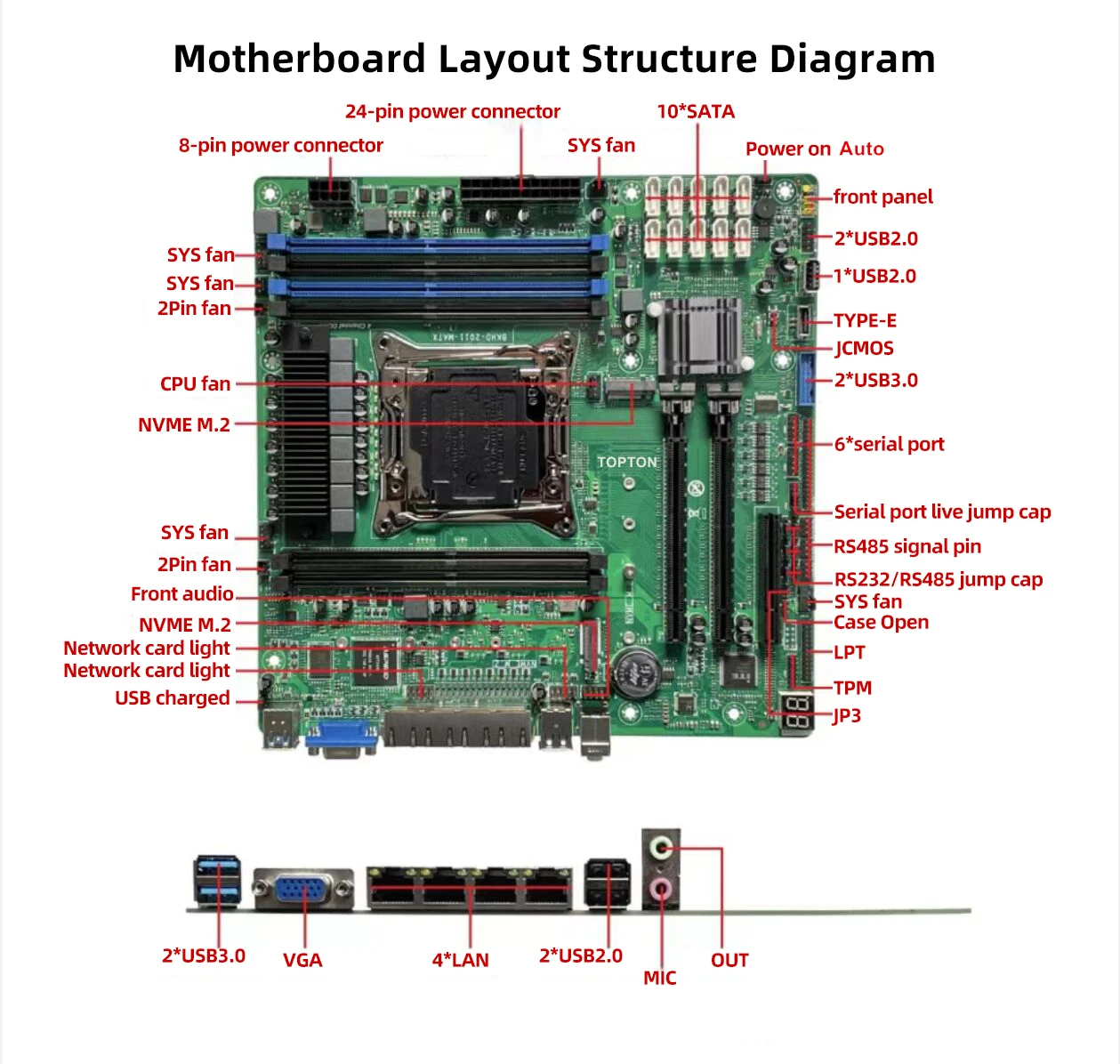
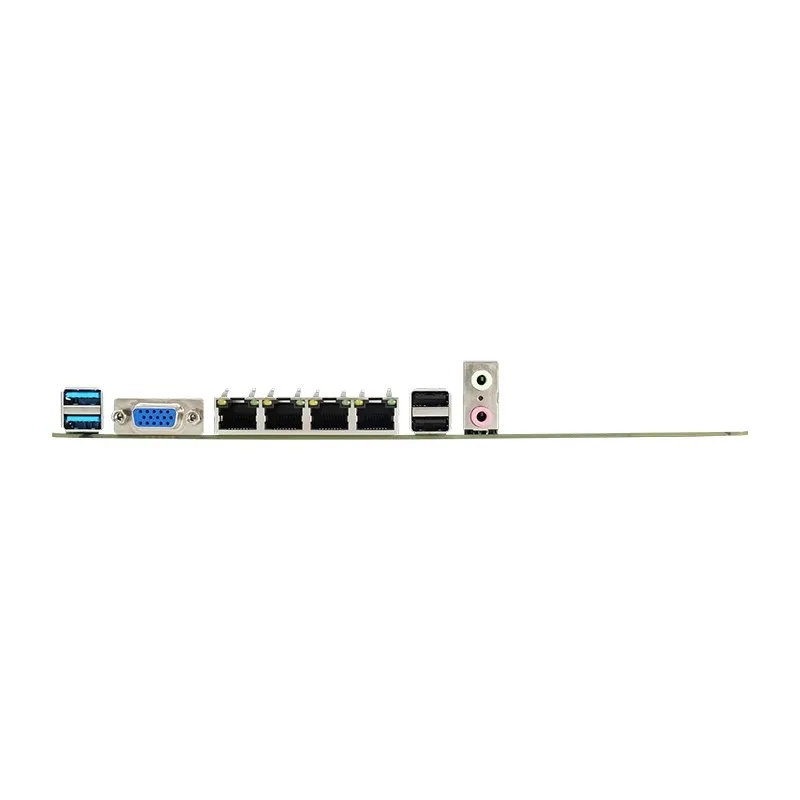
Backplane interface:
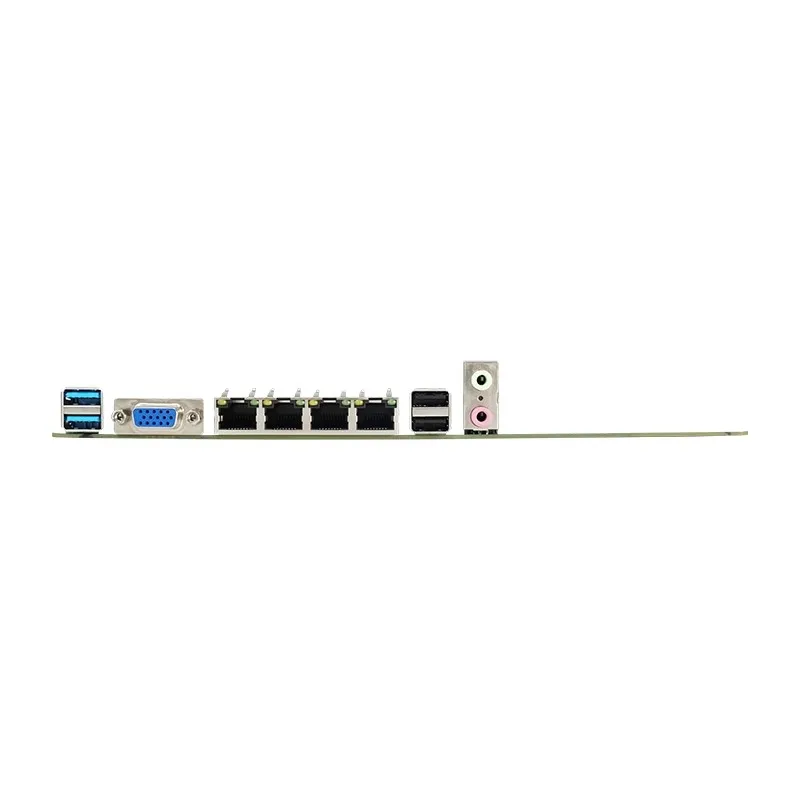
1 x VGA display port
2 x USB3.0
2 x USB2.0
2 x audio interface (Line Out/MIC-IN)
4 x RJ45 port
Built-in interface:
10 x SATA ports
1 x 9-Pin Front Panel Switch Pin (FPANEL)
1 x 4Pin CPU Cooling Fan (CFAN1)
3 x 4Pin System Cooling fan (SFAN1)
2 x 3Pin System Cooling fan (SFAN1)
2 x 2Pin System Cooling fan (SFAN1)
1 x Built-in COM interface
1 x FUSB front port (can be transferred to 2 USB2.0 ports)
1 x FUSB front port (can be converted to 2 USB3.0 ports)
1 x USB port (can be converted to 1 USB2.0 port)
1 x TYPE-E interface
1 x TPM port
1 x 9Pin Built-in Audio interface (F_AUDIO)
1 x 8pin ATX interface
1 x 24pin ATX interface
1 x 9Pin LAN LED
Display VGA display is supported
Network Four Intel I226V Gigabit network adapters
Audio Realtek ALC897, supports Line-Out & Line-InI/O chip NUVOTON NCT5585DSupply
24Pin+8Pin ATX power supply
Operating system Windows 10, Windows 11, or Linux

评价
目前还没有评价